A handy guide for WorldSkills spectators
WorldSkills Shanghai 2026 will take place from Sept 22 to 27, bringing 1,385 competitors from 68 countries and regions to Shanghai, both record highs for the event.
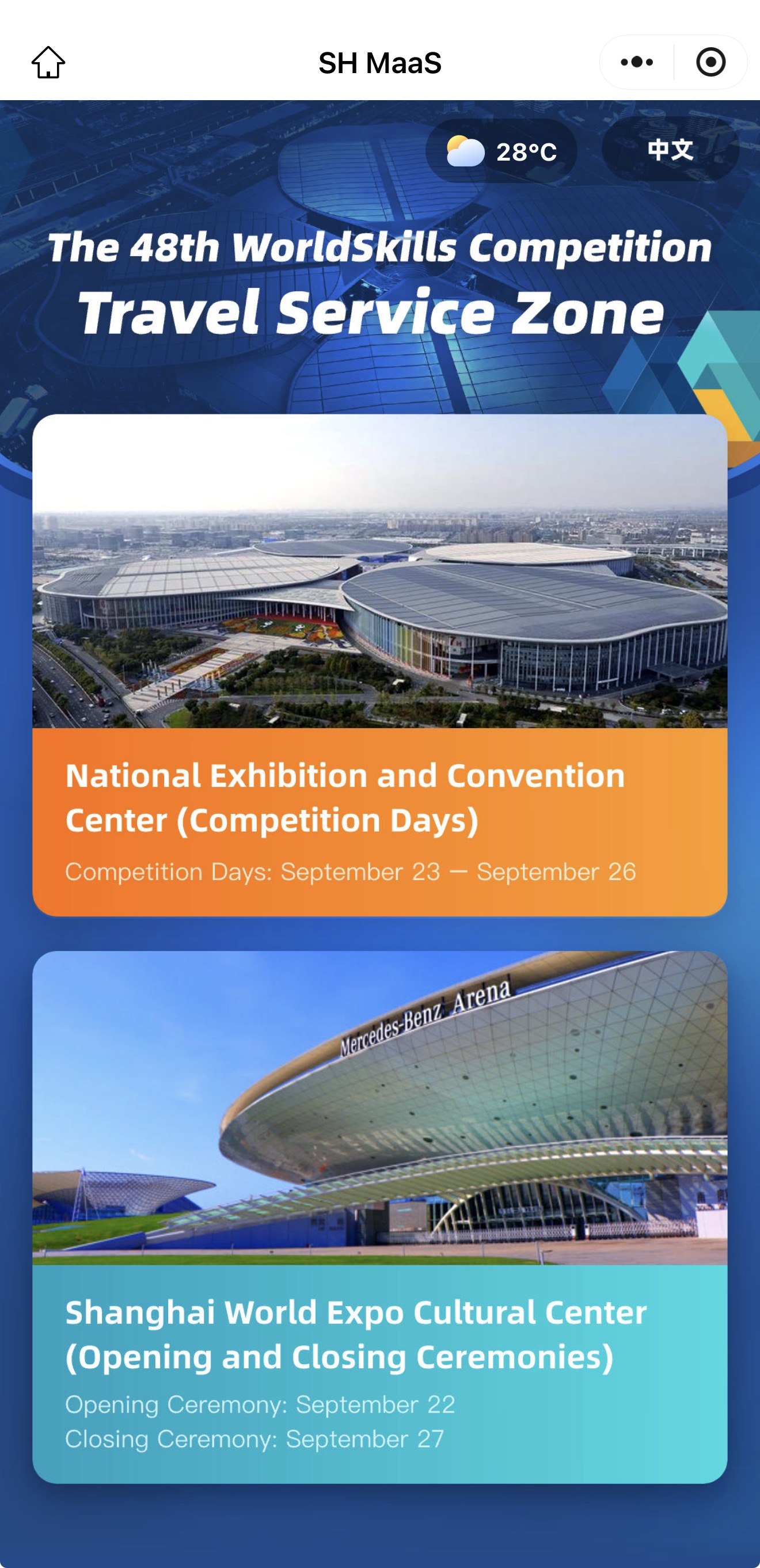
The skill competitions will run from Sept 23 to 26 at the National Exhibition and Convention Center (Shanghai), or NECC.
For spectators heading to the venue, the official WorldSkills Shanghai 2026 app (世赛通) puts everything they need in one place, from competition information and activity schedules to venue navigation, official news, and city services.
Available in both Chinese and English, the app can also be accessed as a mini program on WeChat and Alipay.
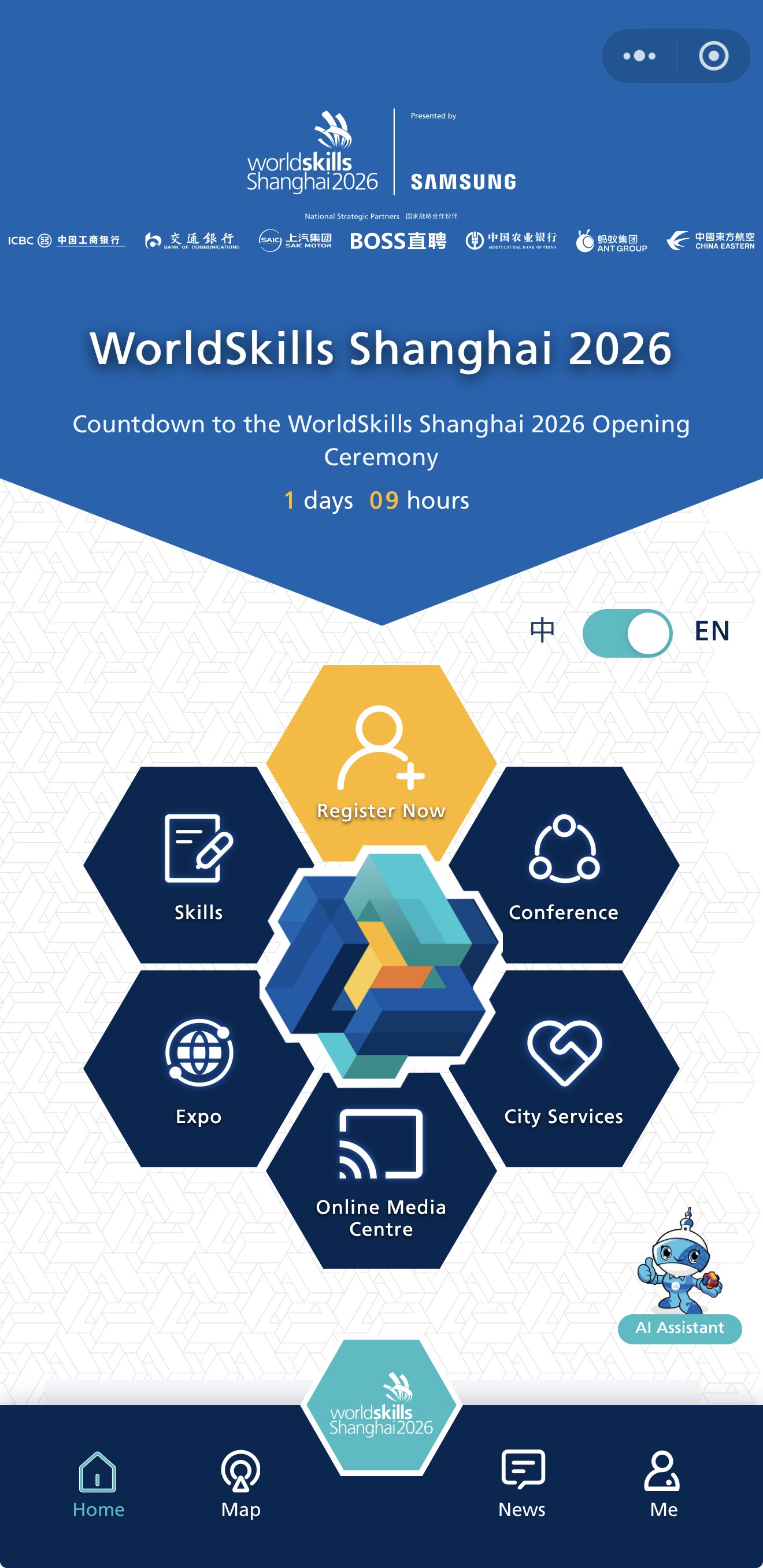
1. Find skills and activities
Skills
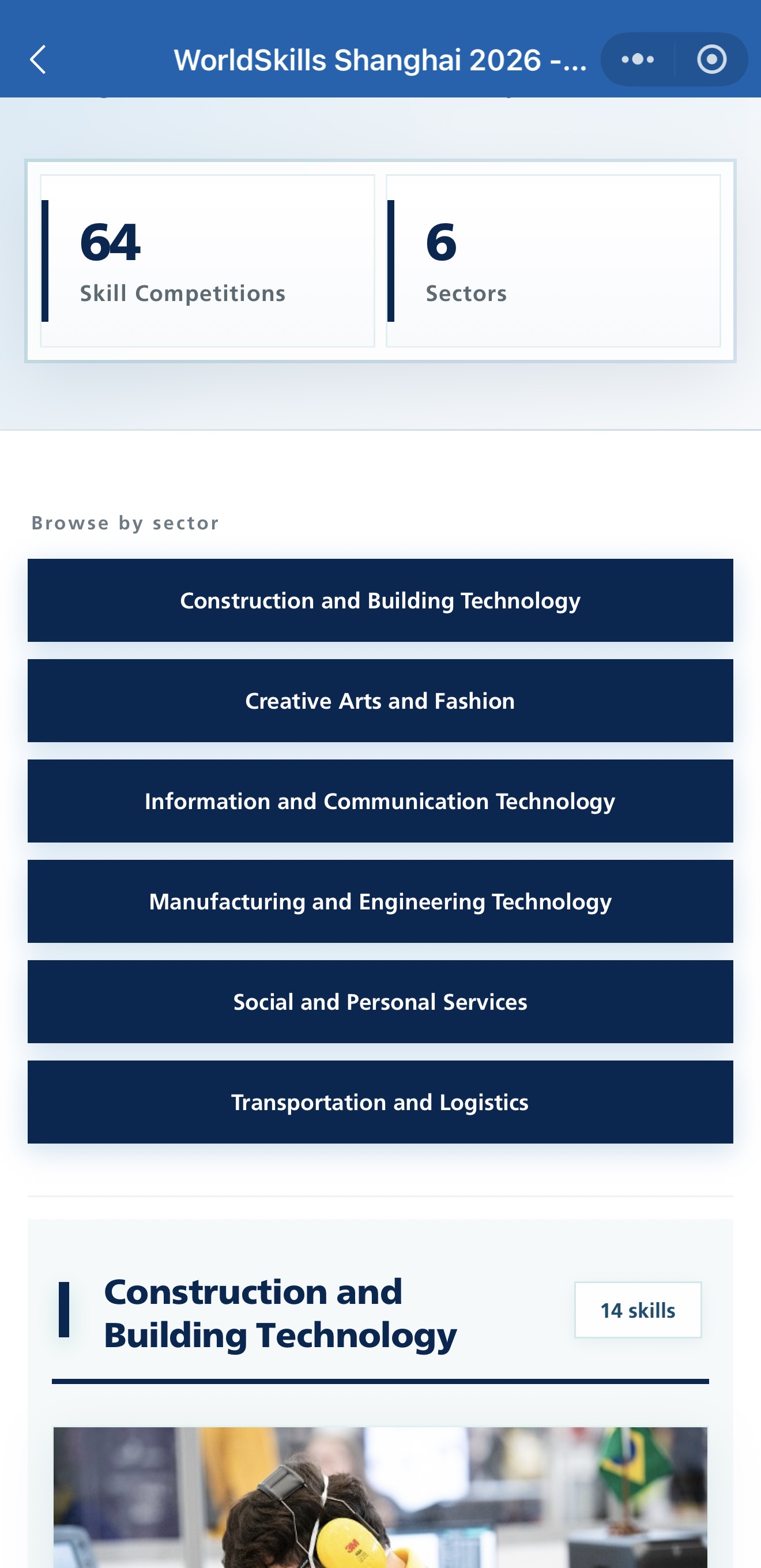
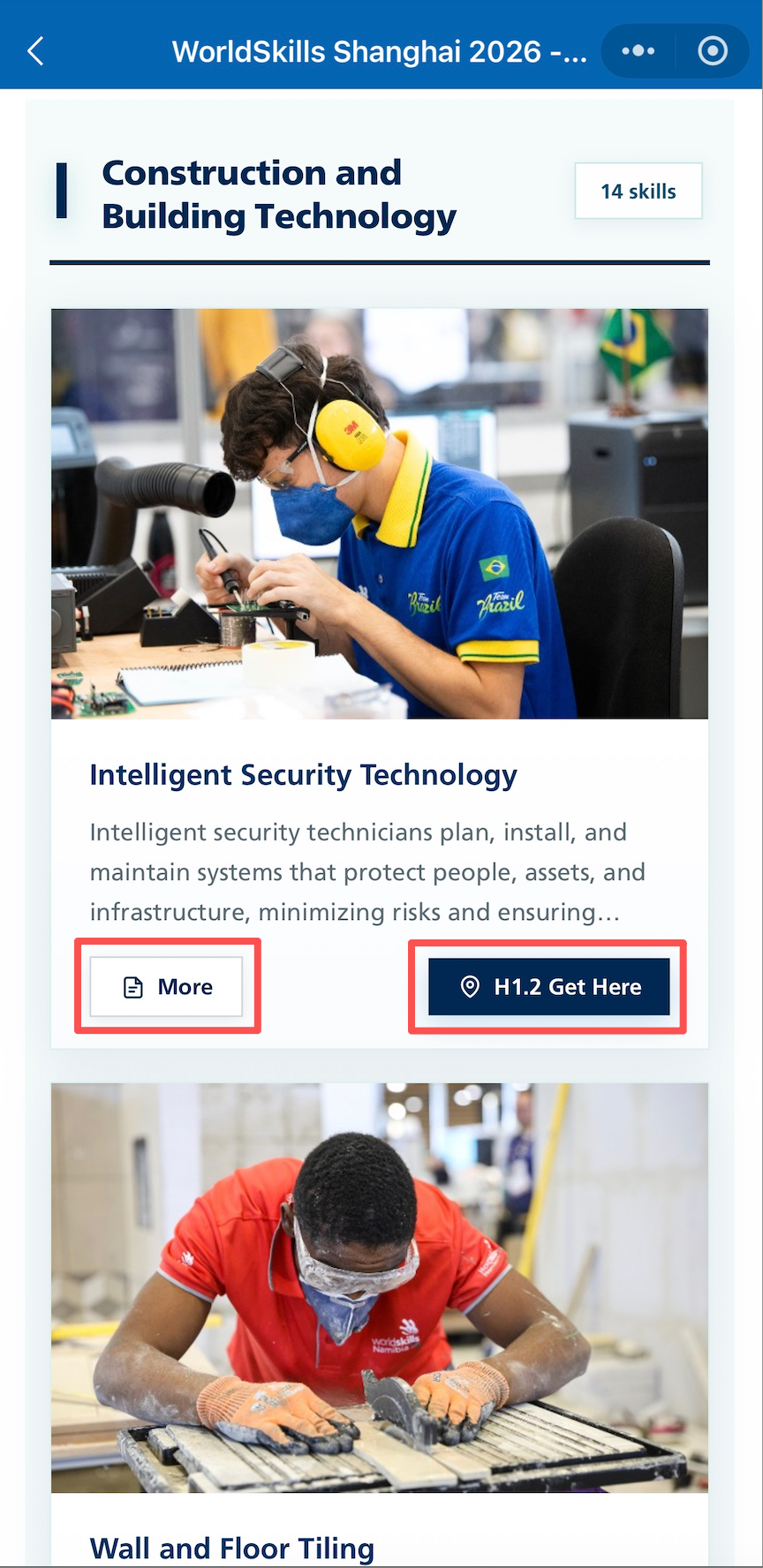
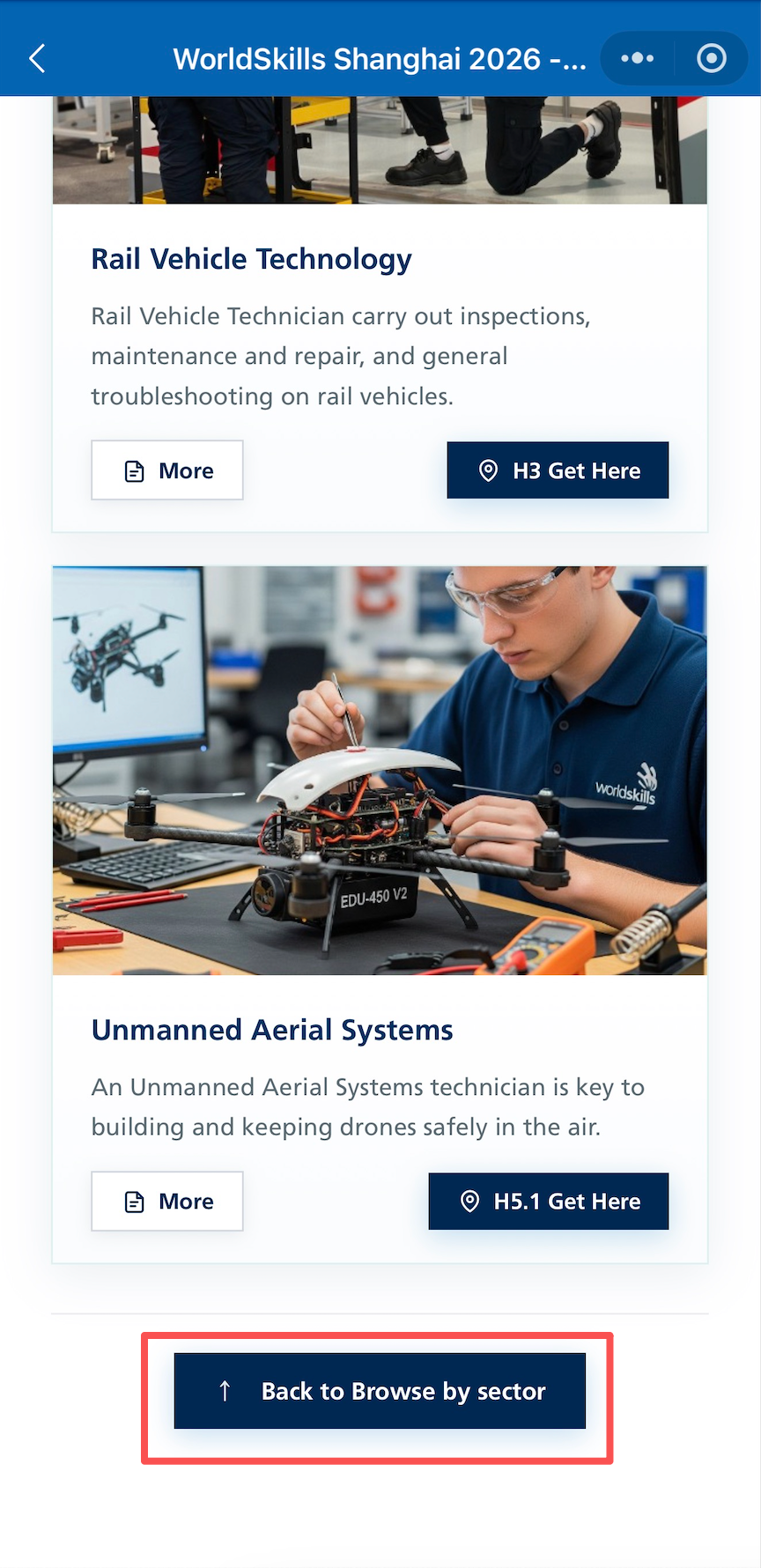
Tap "Skills" on the home screen to browse all 64 skill competitions across six sectors. Each skill page includes an introduction, the location of the skill competition, and directions.
WorldSkills Expo
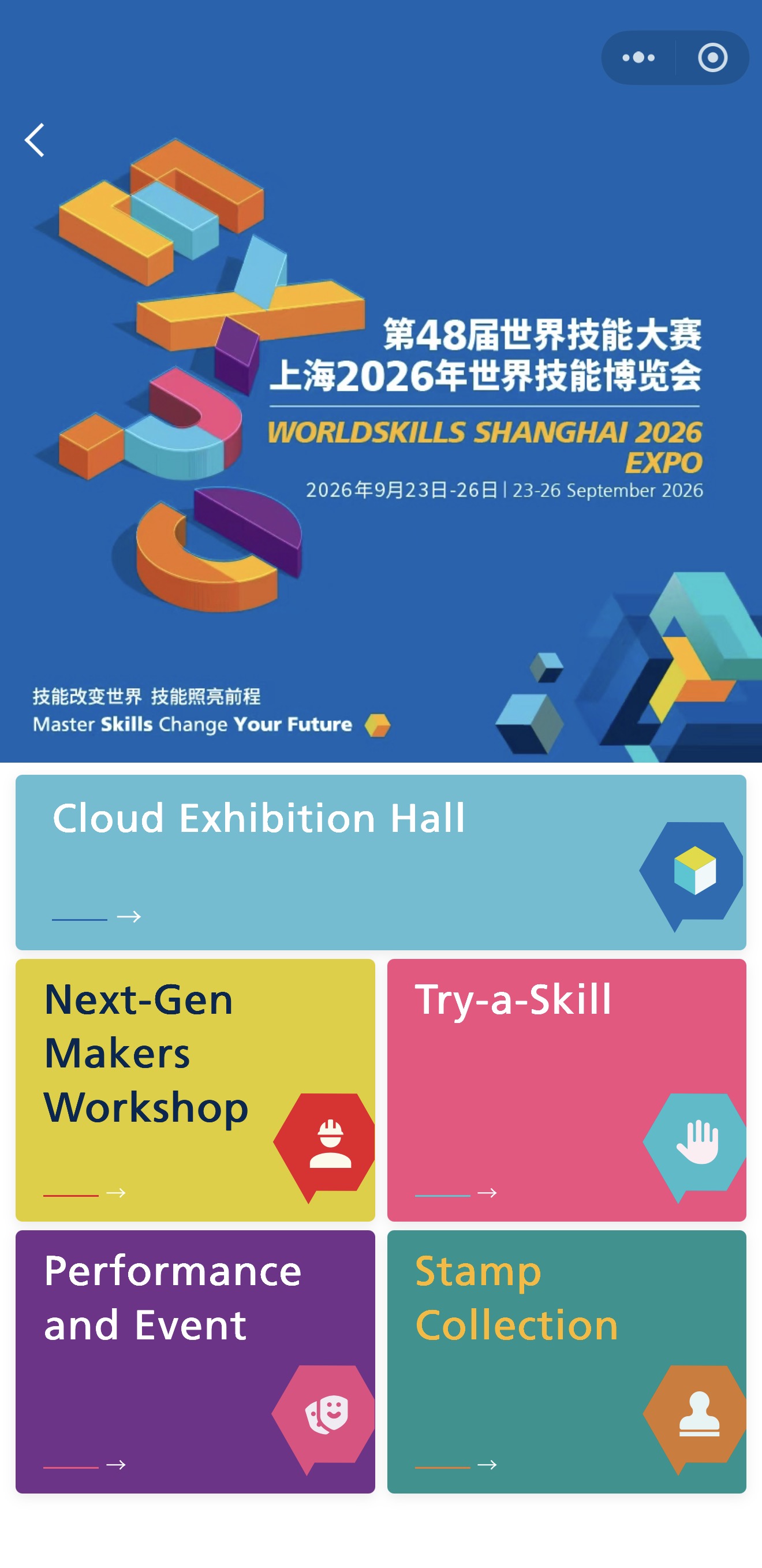
The WorldSkills Expo runs from Sept 23 to 26 and includes hands-on activities, workshops, exhibitions, performances, and other programs alongside the competition.
Try-a-Skill
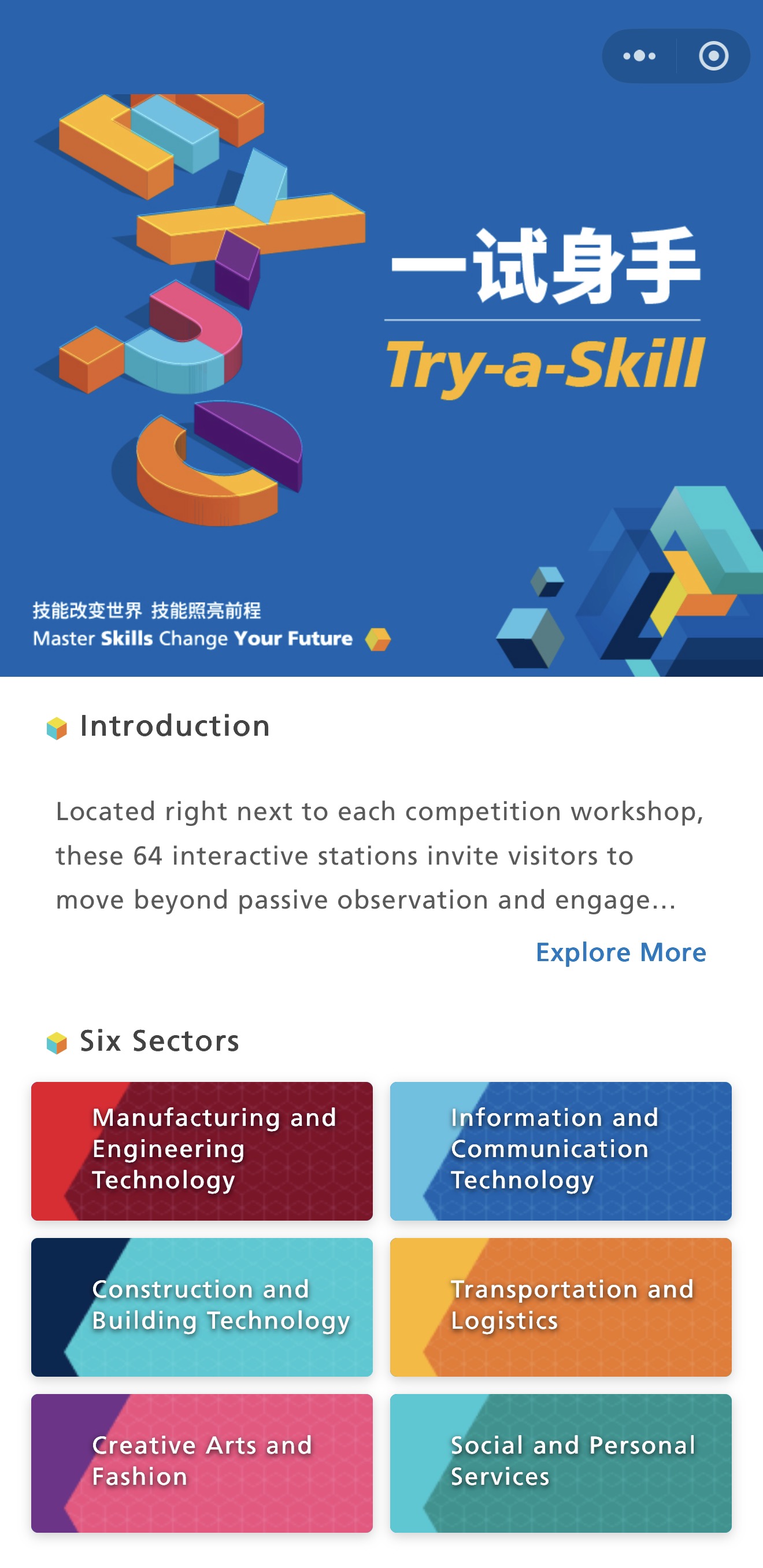
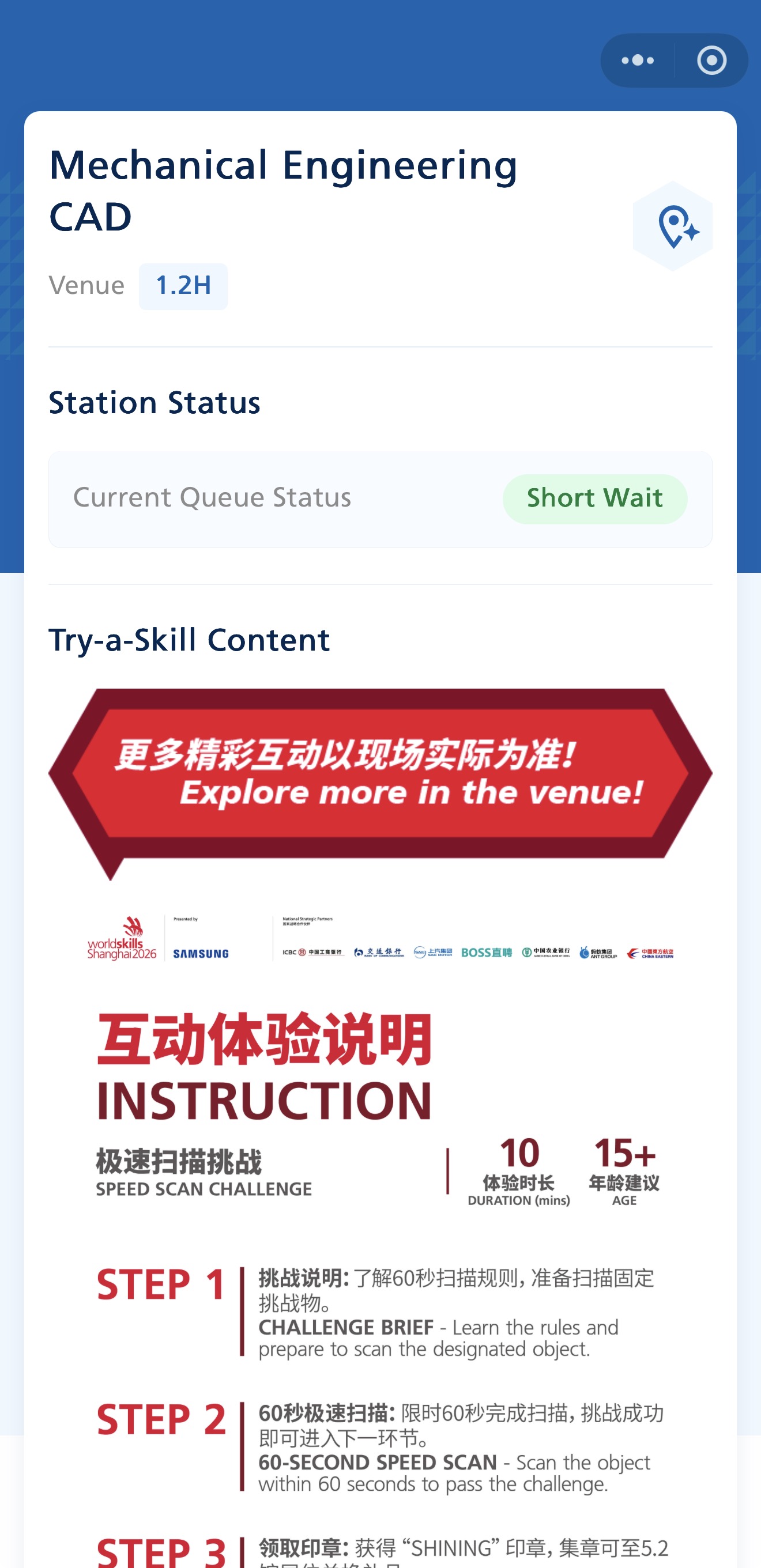
There are 64 Try-a-Skill stations, one for each skill competition. Visitors can try hands-on activities based on the same skills featured in the competitions.
Next-Gen Makers Workshop
The Next-Gen Makers Workshop offers one-hour hands-on sessions for young people aged 10 to 18. Participants can learn a practical skill and create their own project.
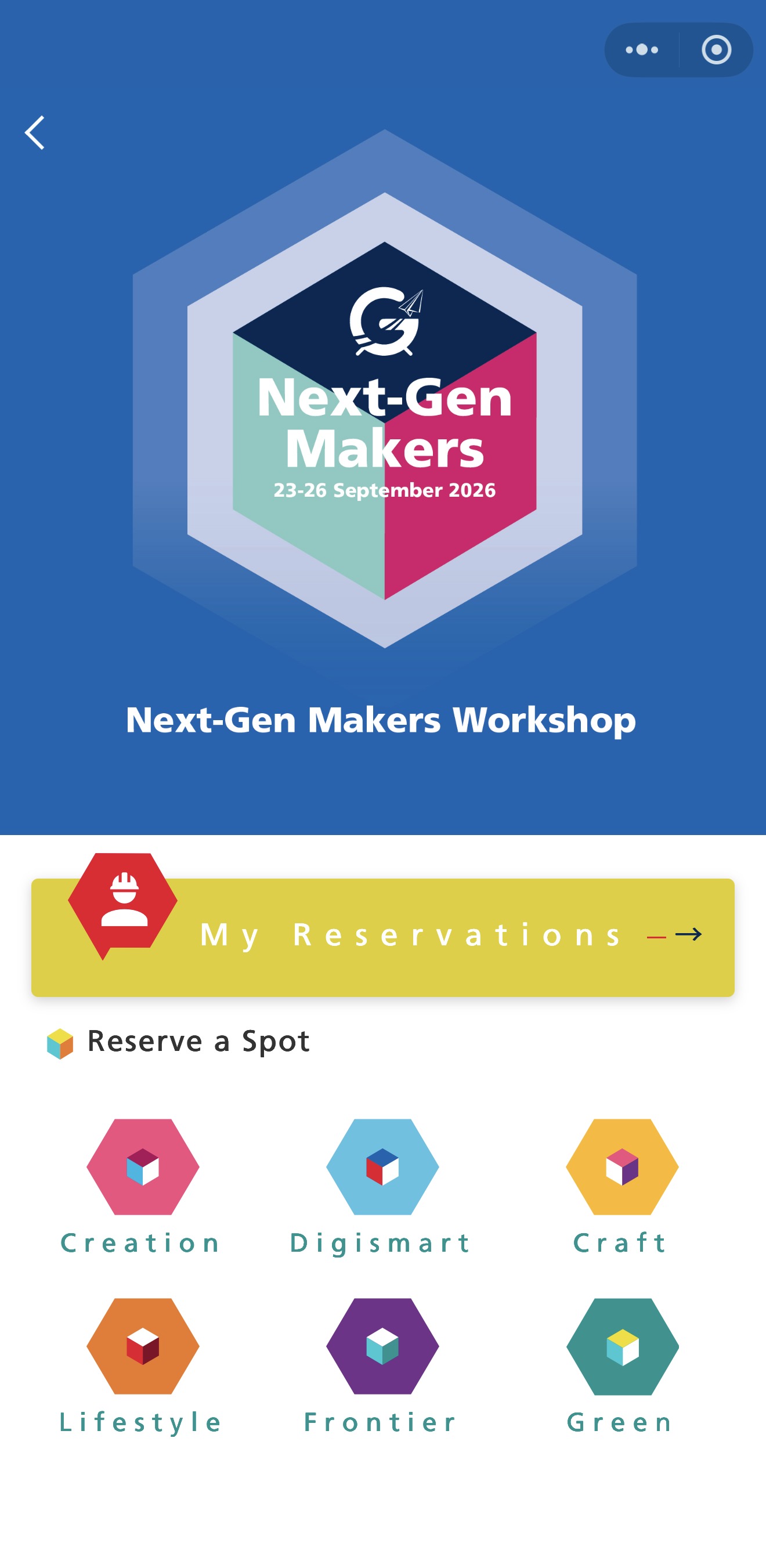
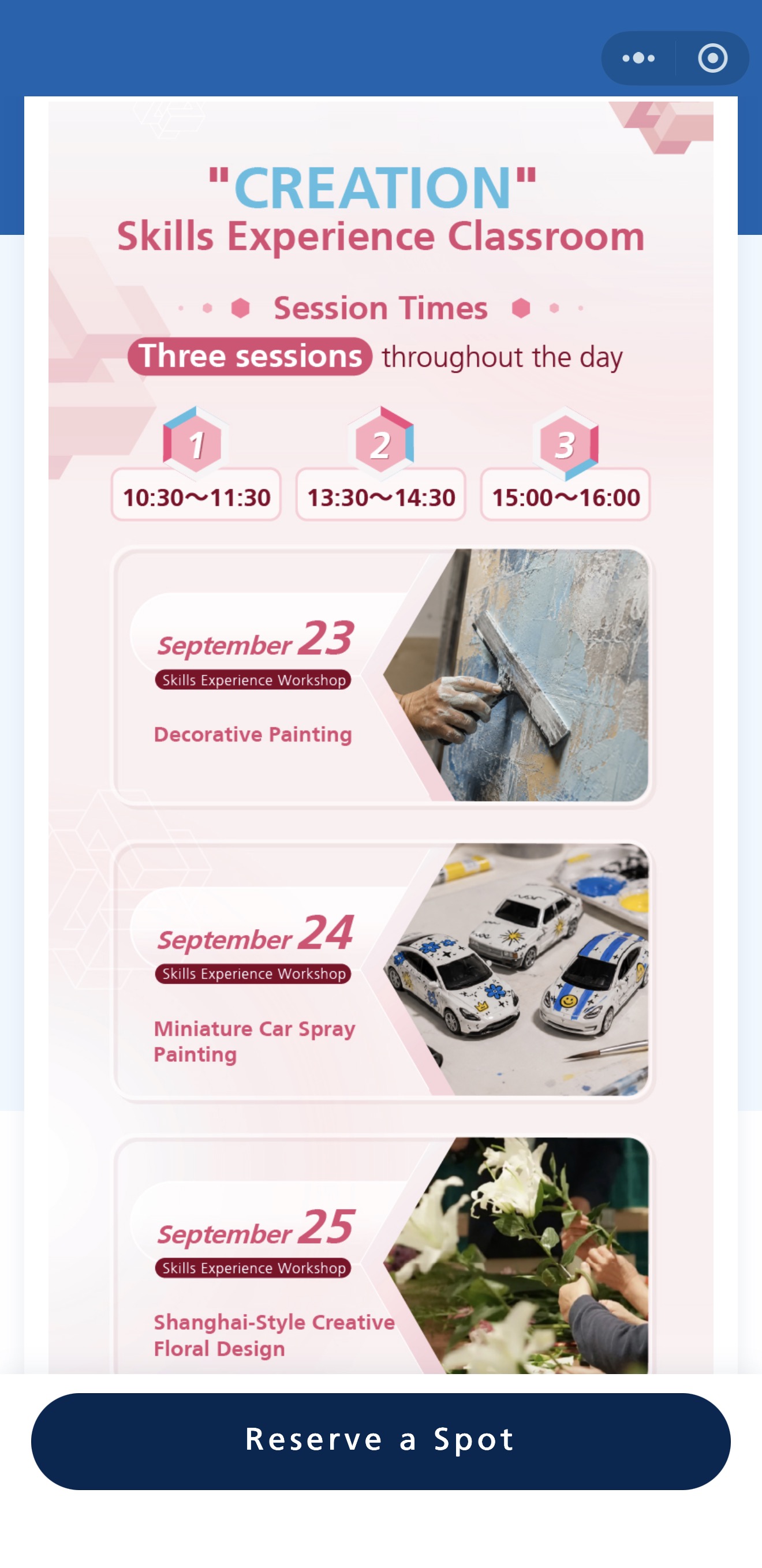
Places are limited. Registered spectators can keep checking the app; if an existing booking is canceled, the slot is released immediately on a first-come, first-served basis.
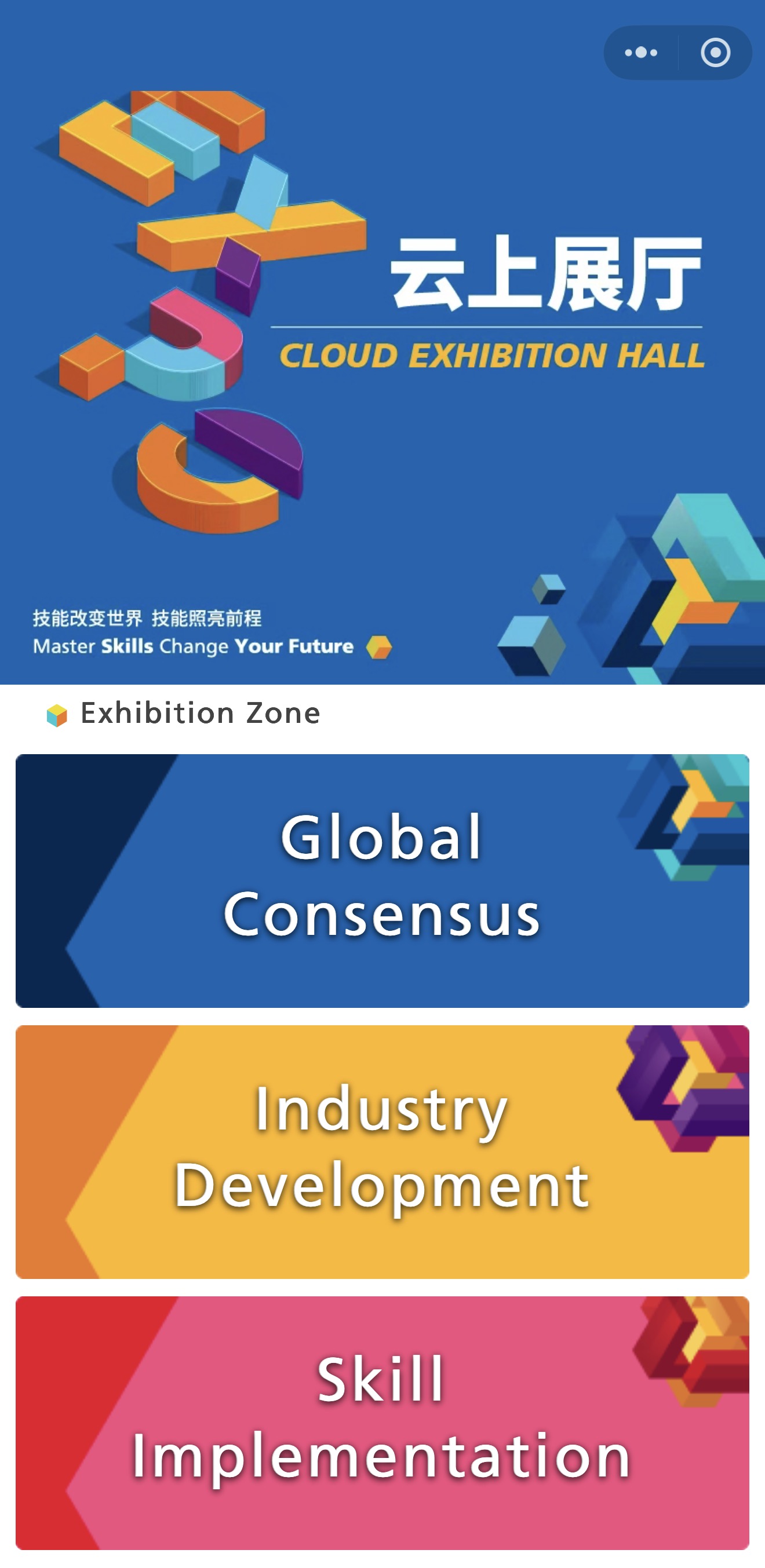
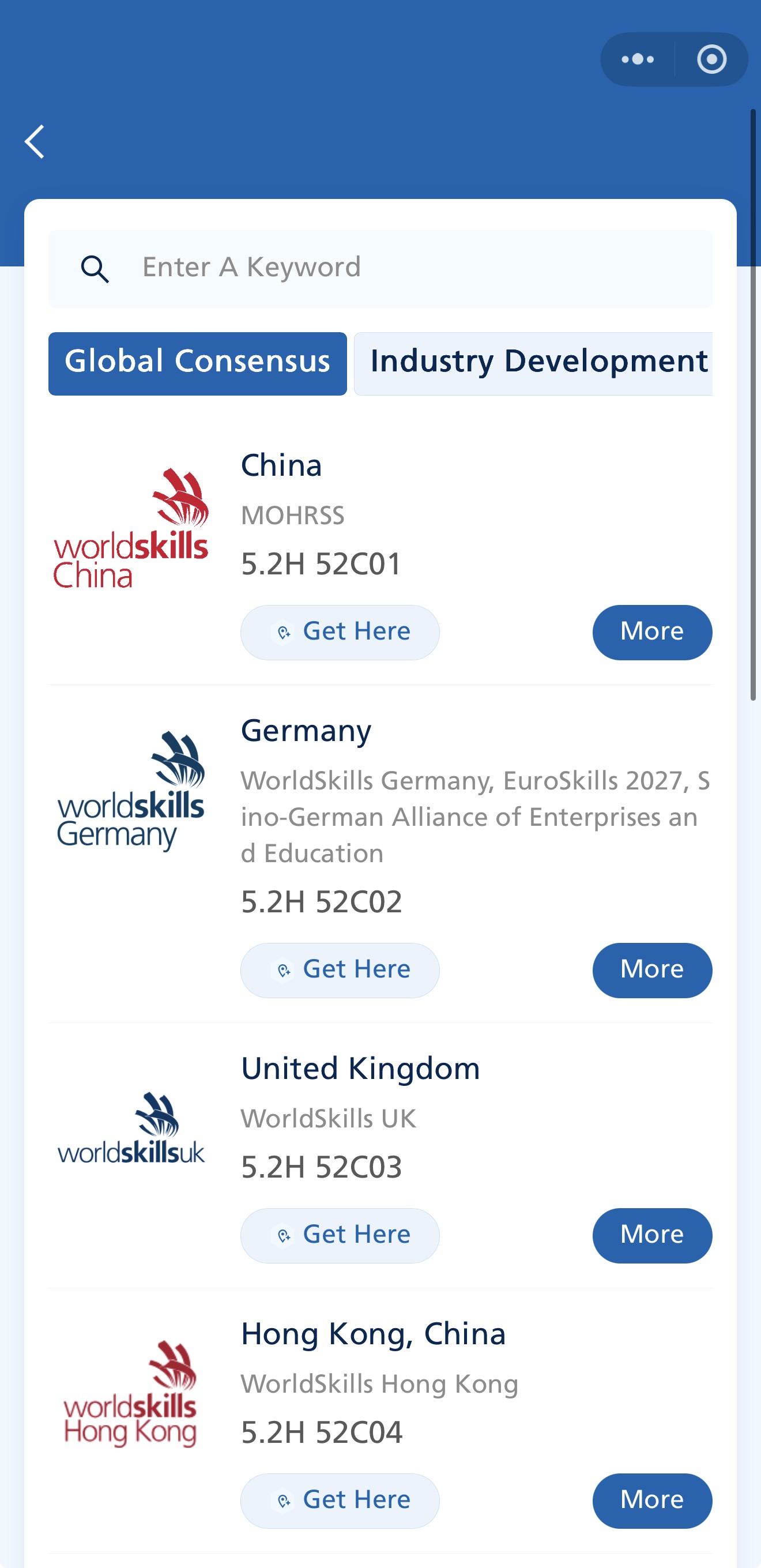
Cloud Exhibition Hall
The Cloud Exhibition Hall displays skill demonstrations from WorldSkills members, Chinese provinces and cities, organizations, institutions, and educational entities both in China and internationally.
Performance and Event
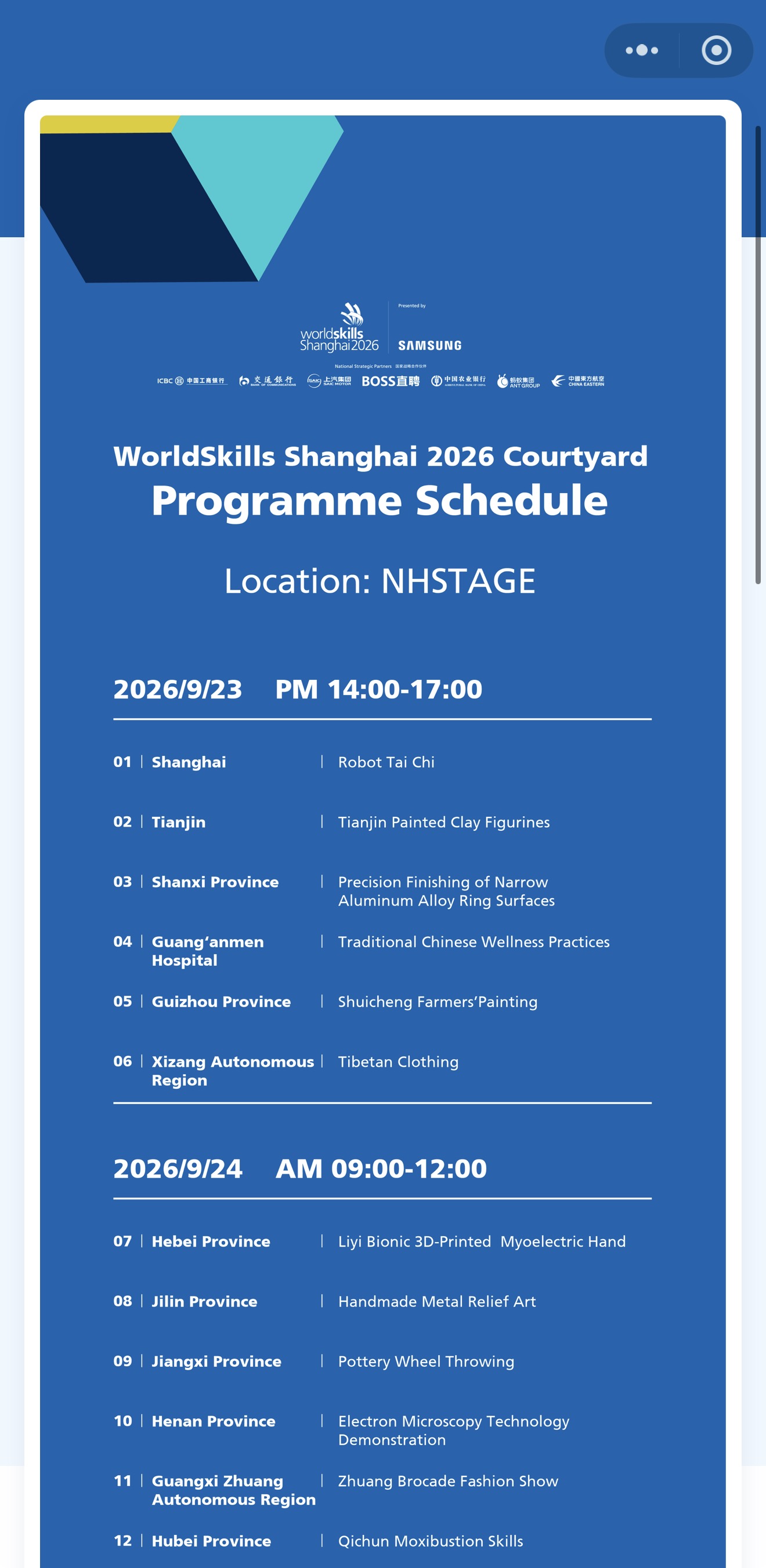
During the competition, live demonstrations of skills and traditional craftsmanship from China and abroad will take place on the skills performance stage in the entrance hall.
Stamp Collection
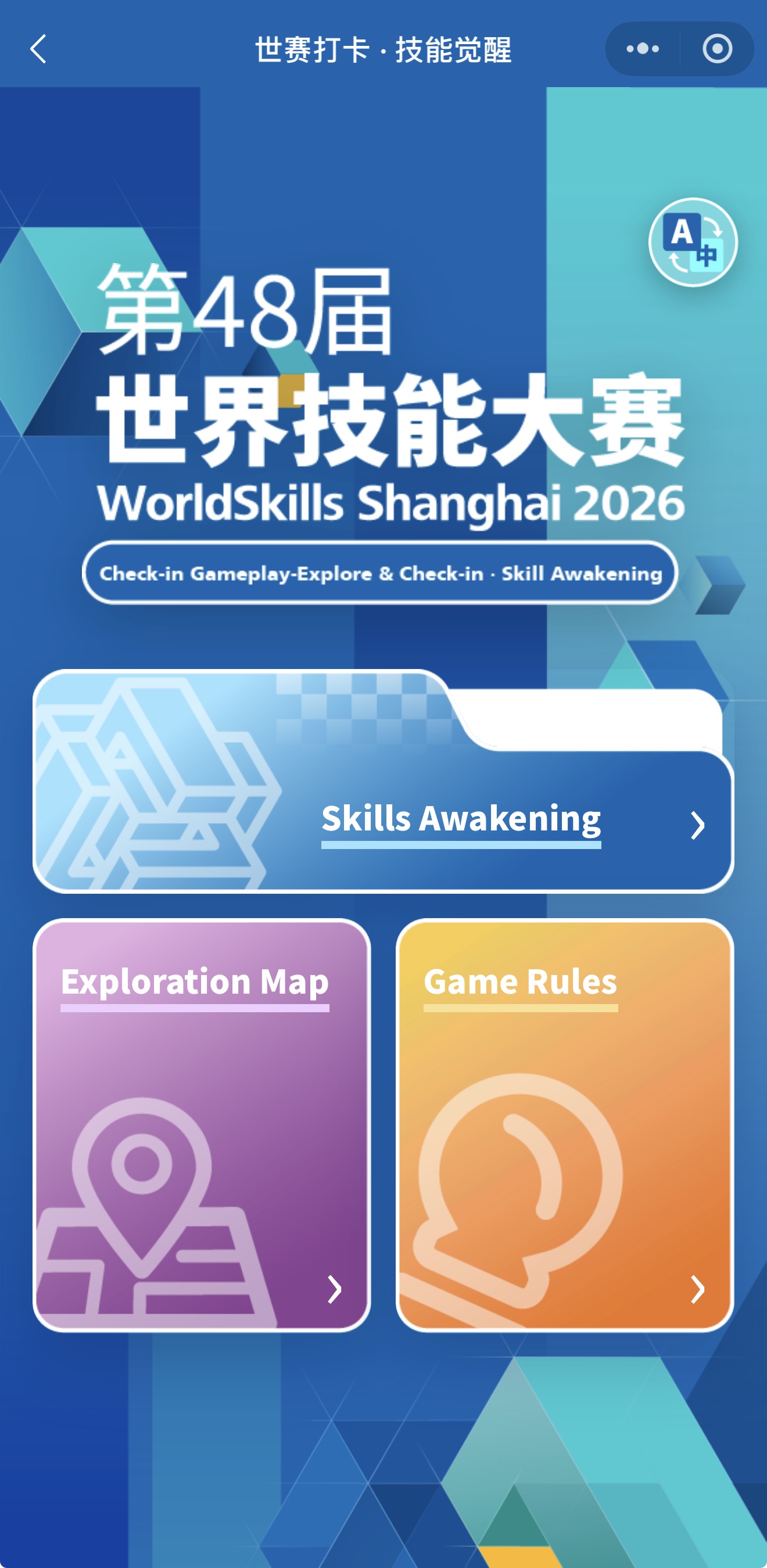
There are 80 checkpoints around the venue. Visitors can use an NFC wristband and the mini program to complete the stamp-collection challenge and receive official WorldSkills souvenirs.
WorldSkills Conference 2026
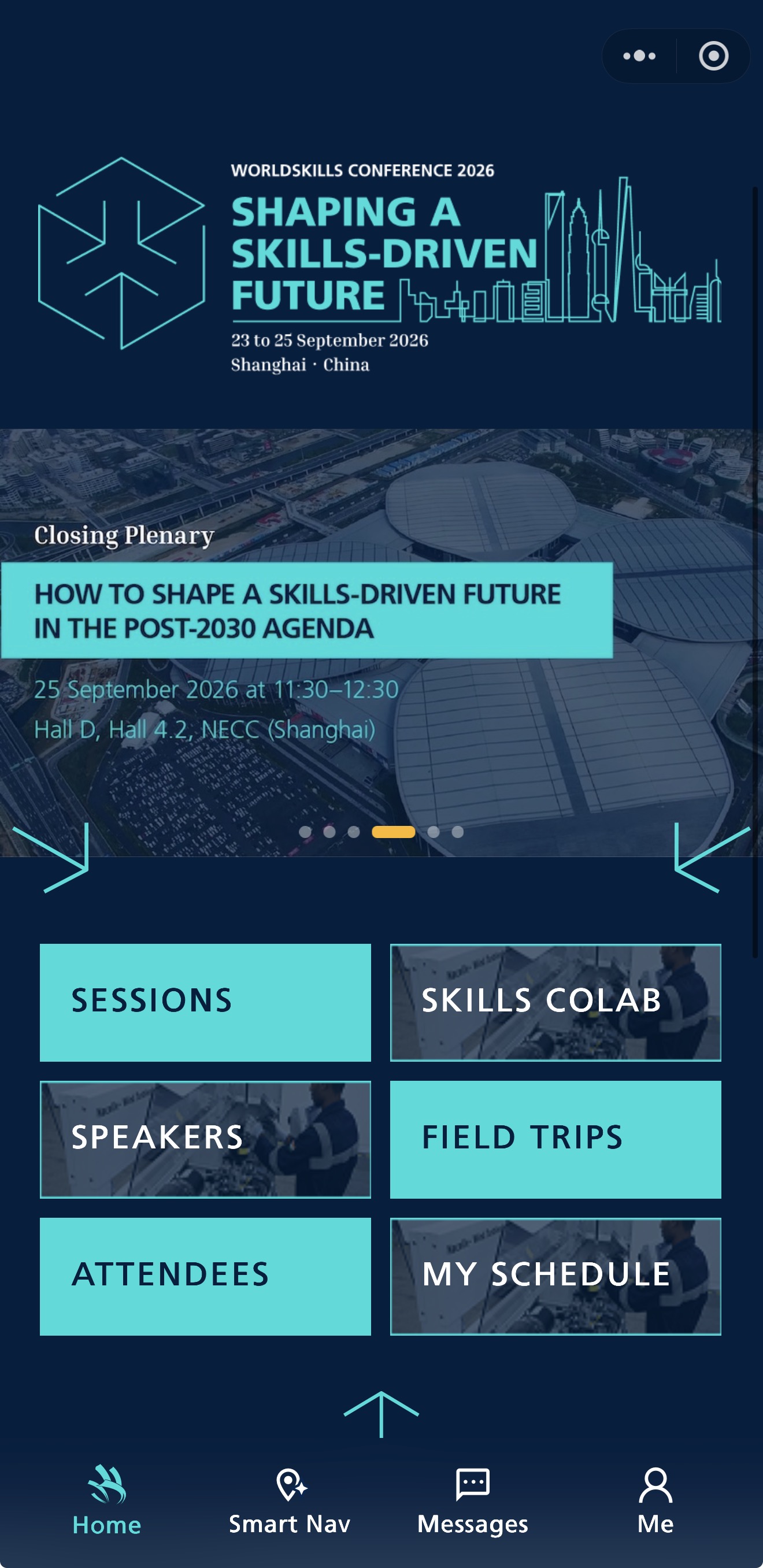
The WorldSkills Conference 2026 will run from Sept 23 to 25, with discussions on technical and vocational education and training policy, industry trends, and skills development for young people.
2. Find your way around the venue
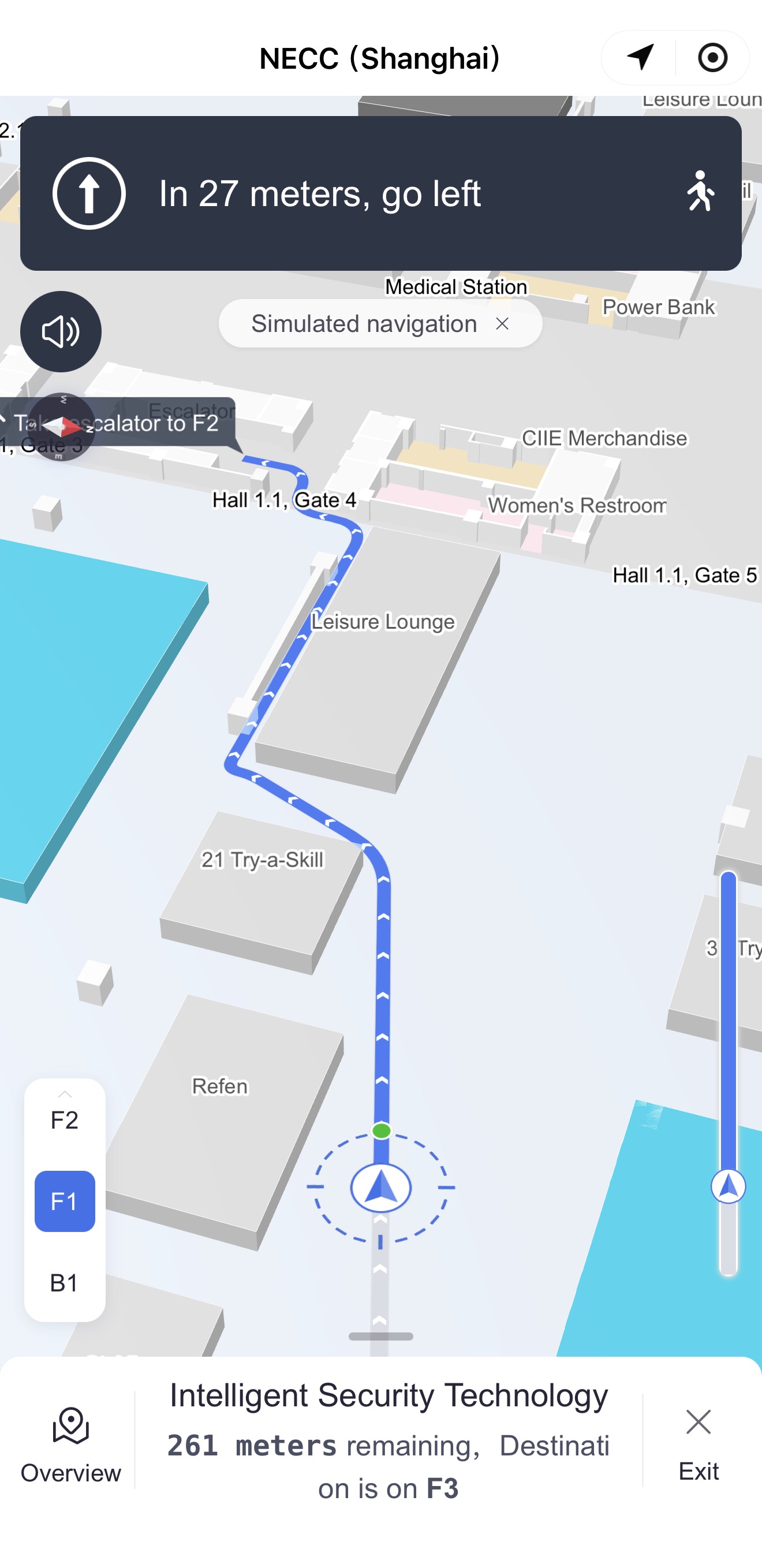
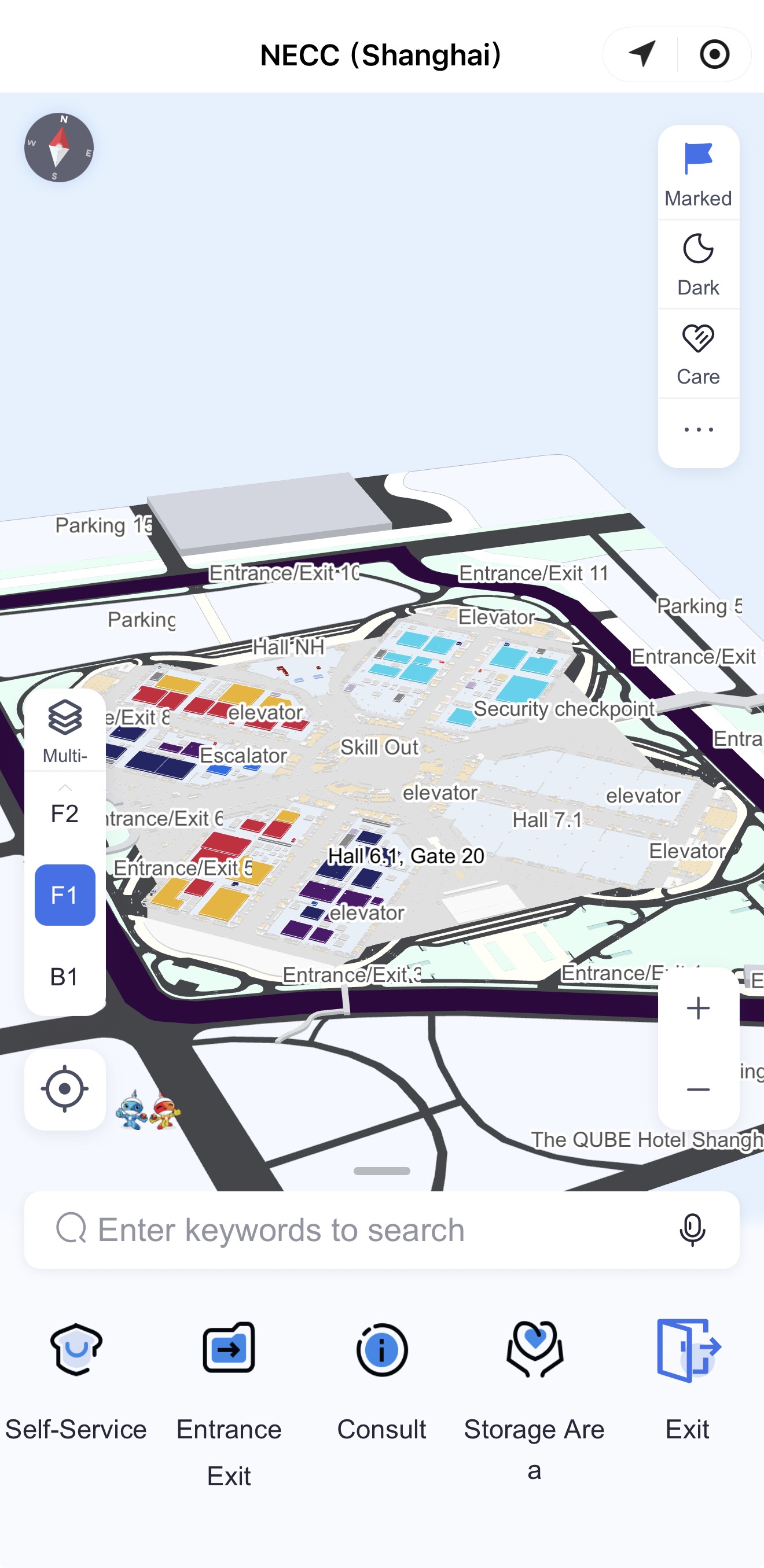
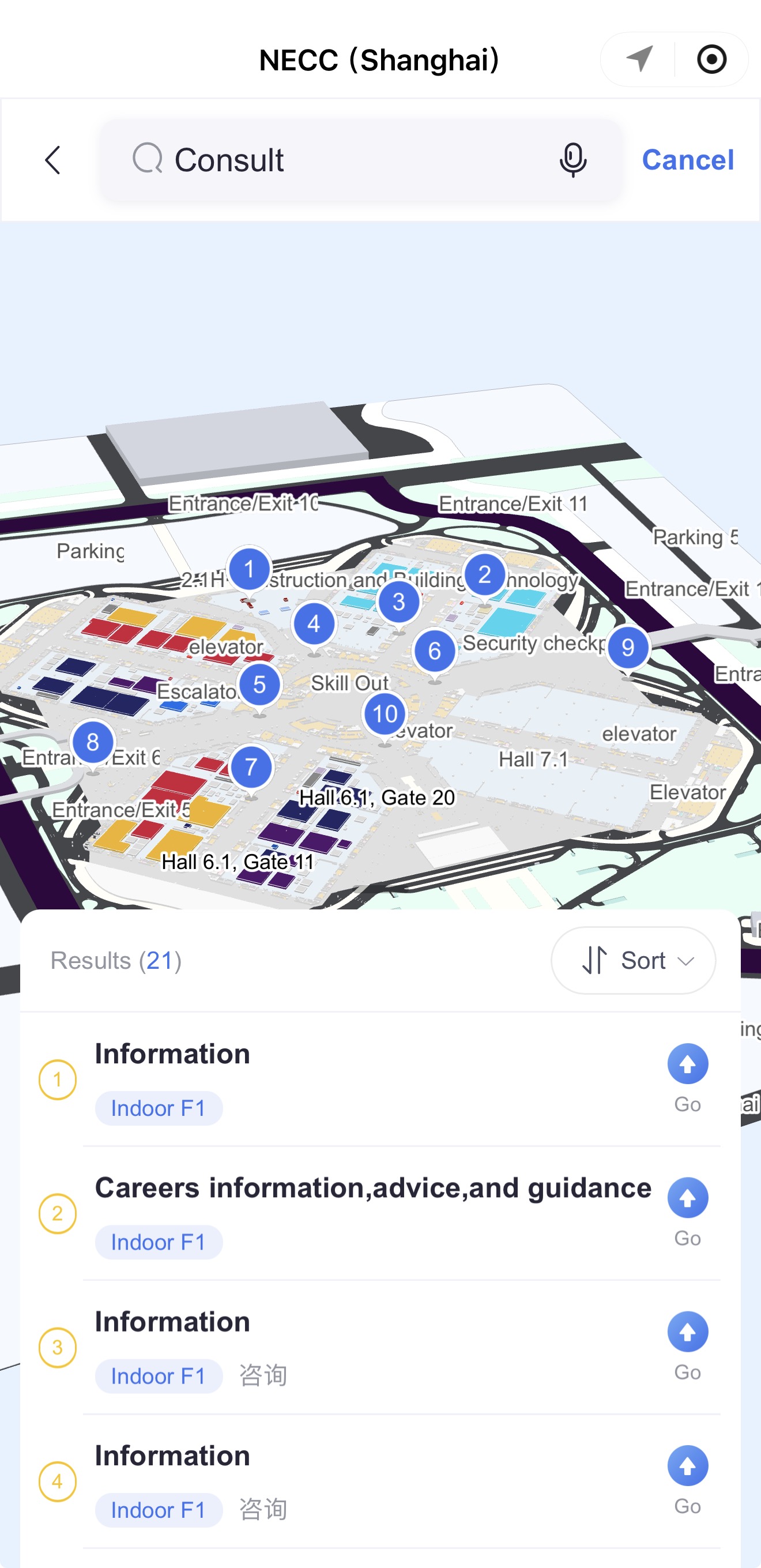
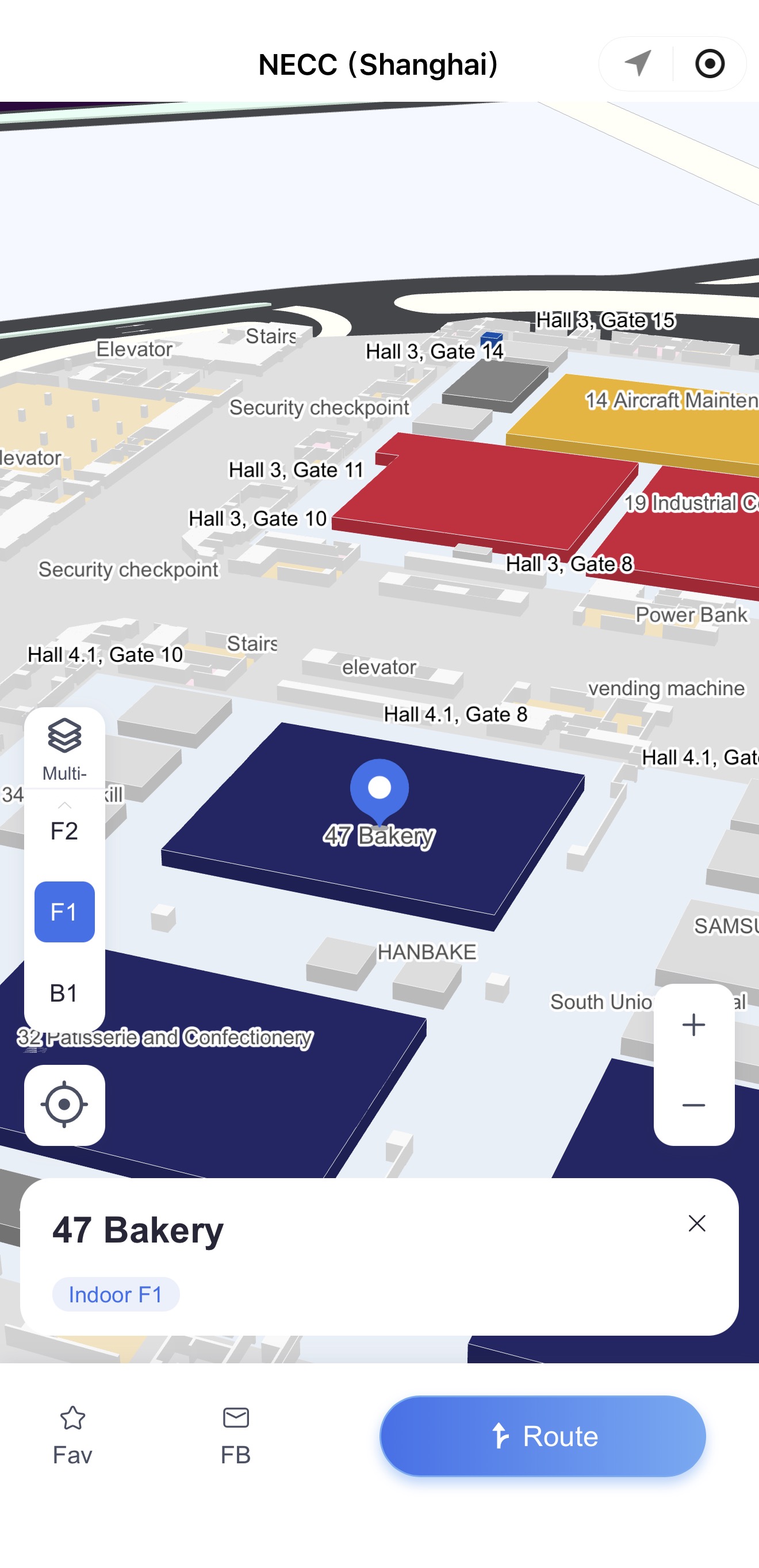
Given the size of the NECC, the app's map can help you find skill competitions or visitor facilities.
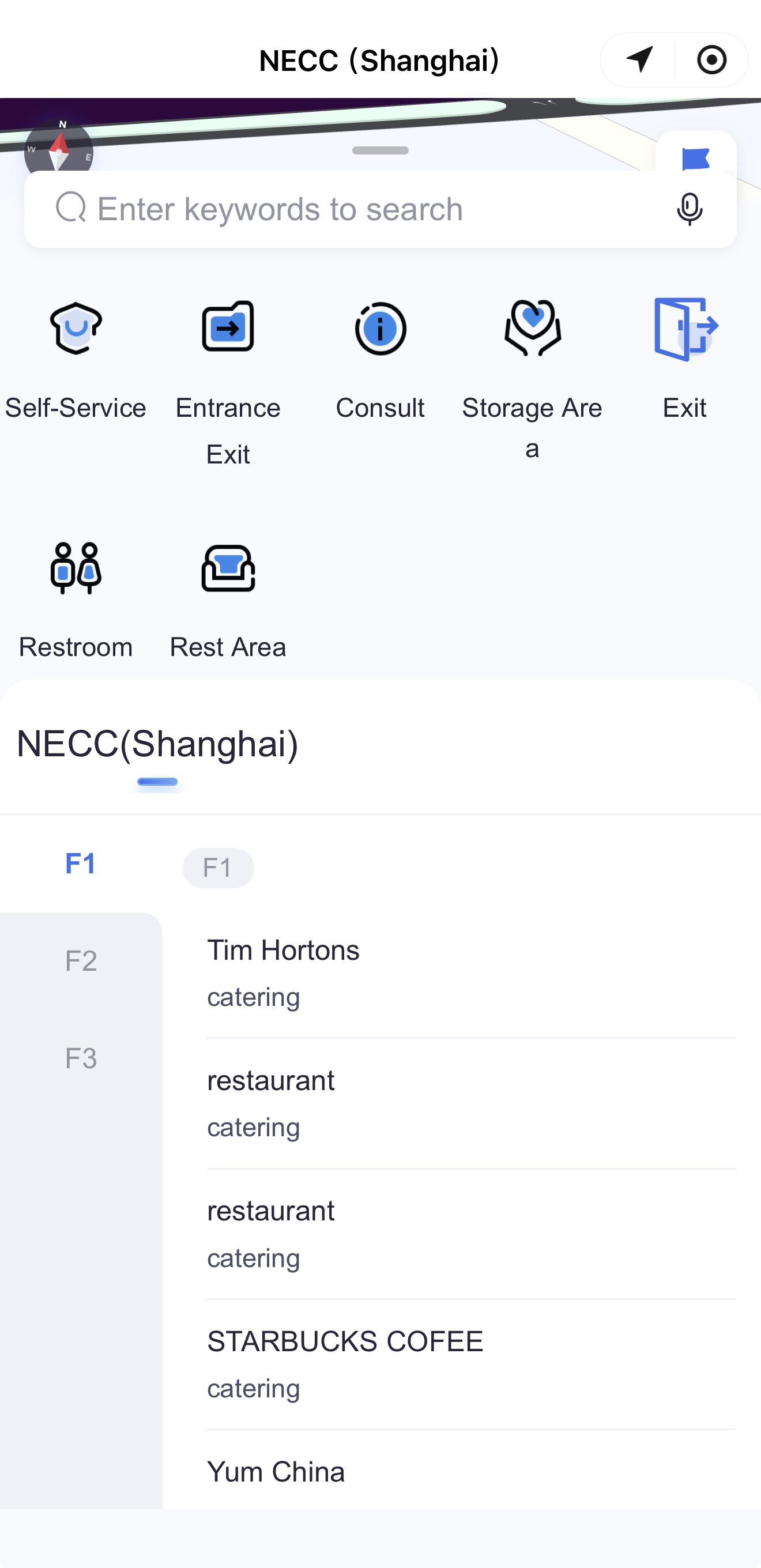
Tap "Map" on the home screen to open the venue map. The bottom menu shows different types of facilities.
3. Check city services
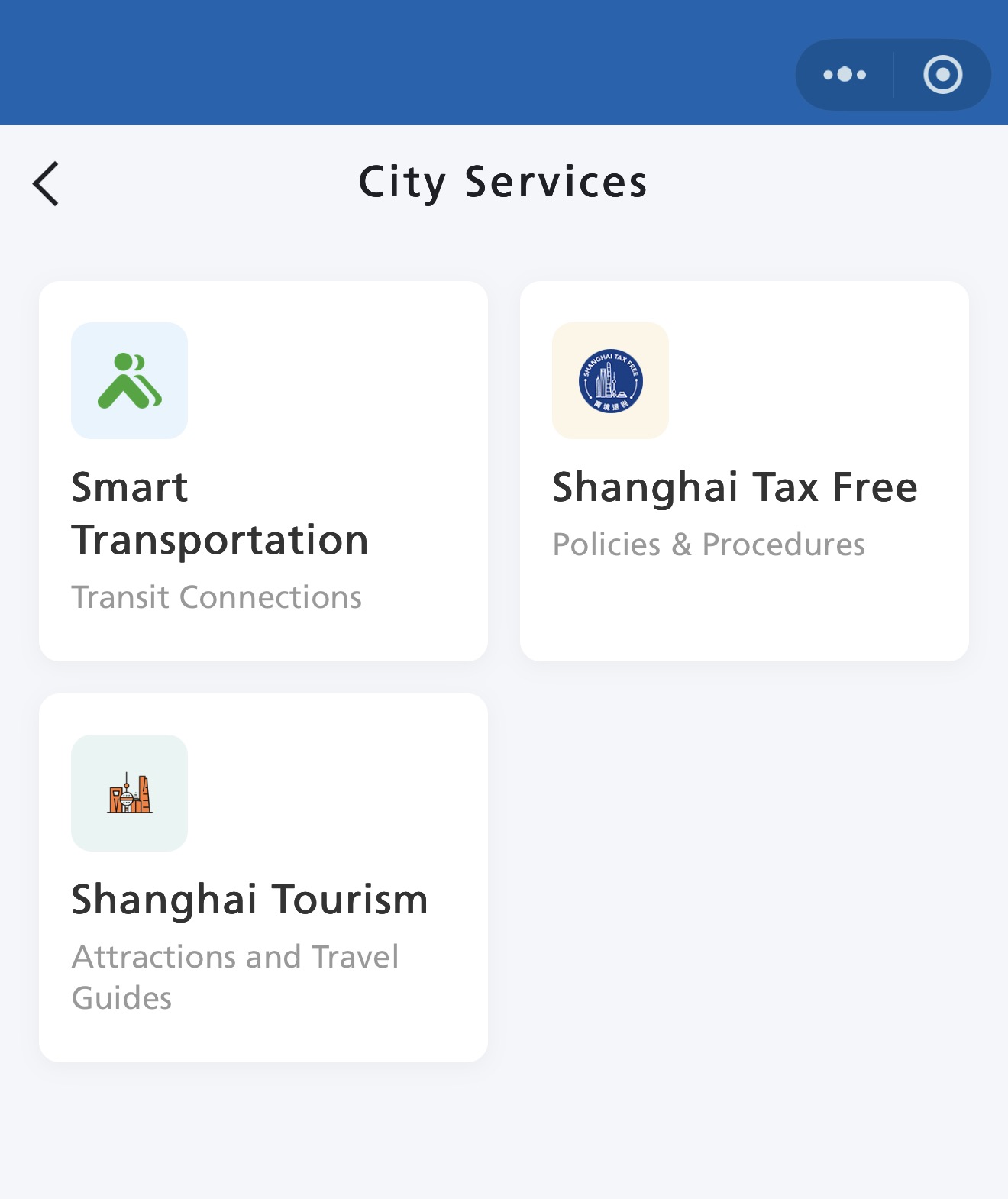
The "City Services" section provides information on transportation, tourism, and other practical matters for visitors arriving in, departing from, or traveling within Shanghai.
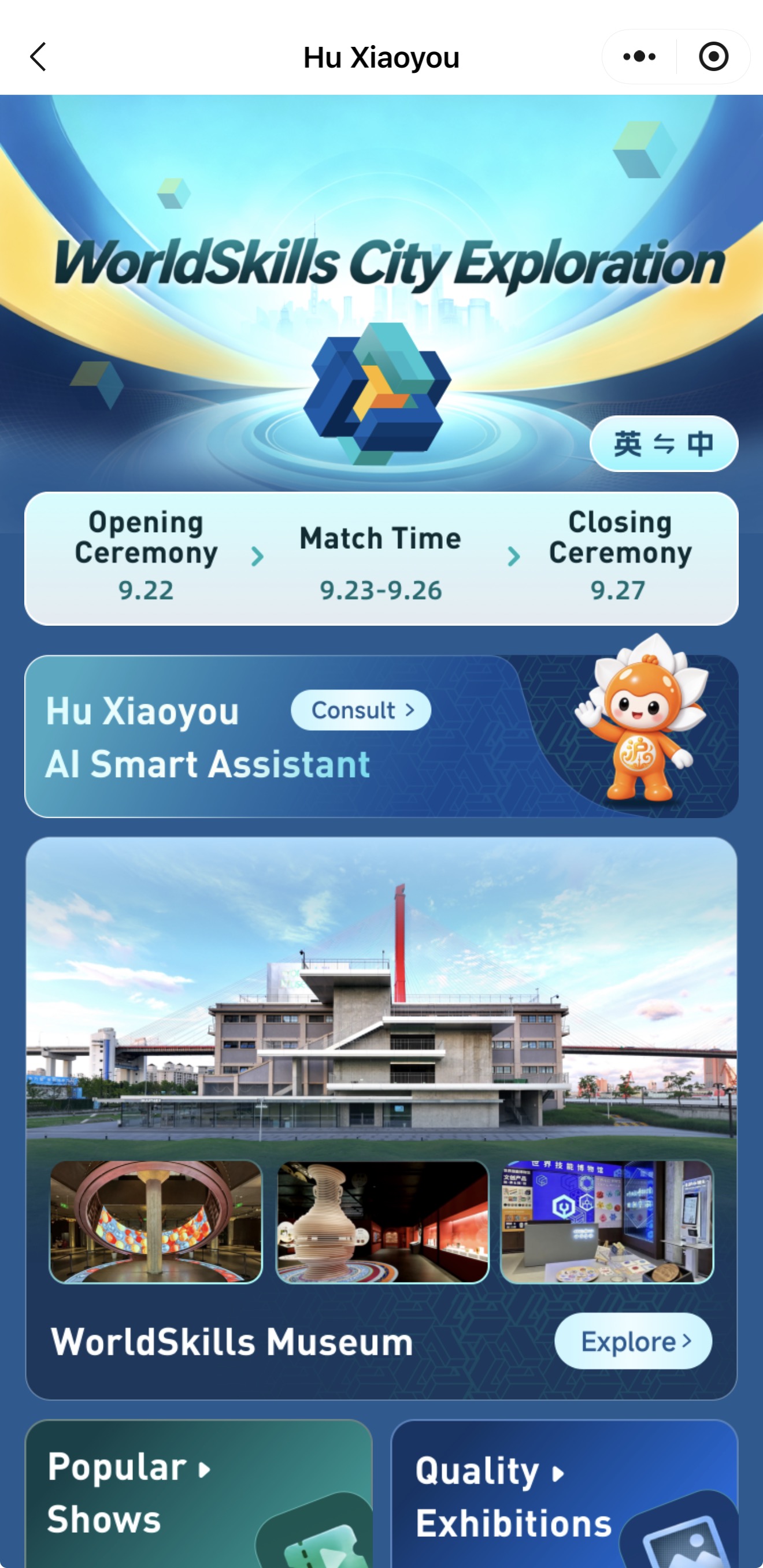
Sources: The Ministry of Human Resources and Social Security, WorldSkills Shanghai 2026 Executive Bureau