Individual registration guide for Ironman 70.3 Shanghai Chongming
Registration for the Ironman 70.3 Shanghai Chongming race, scheduled for May 17, 2026, opened worldwide on Dec 16, 2025. Below is a step-by-step guide for individual registration.
Create an account
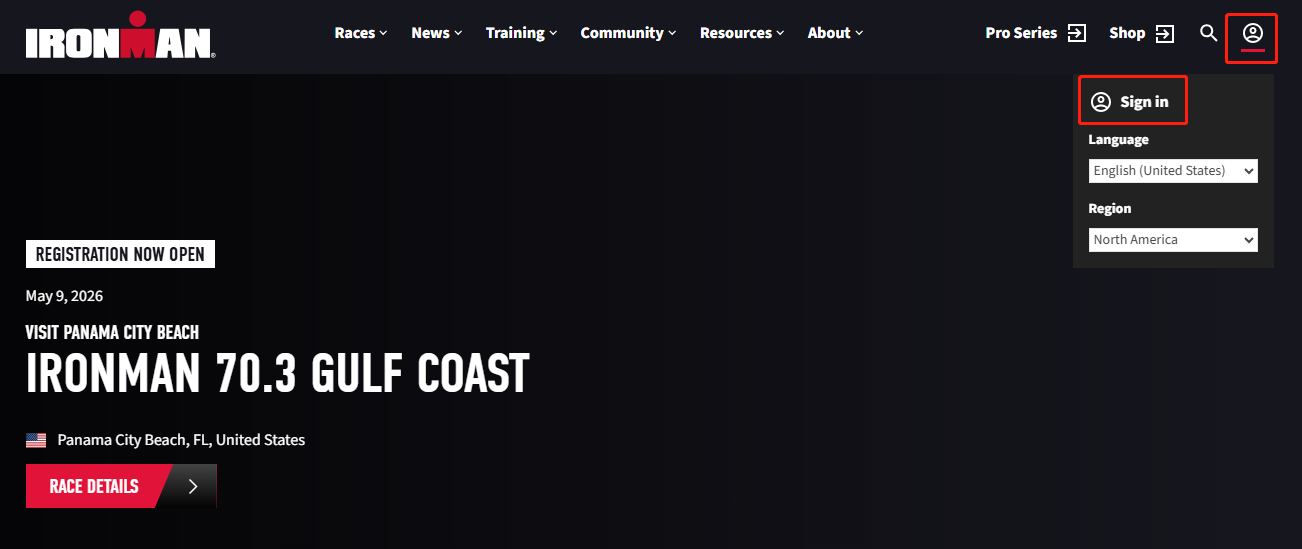
1. Visit the Ironman official website and click the "Sign in" icon (person silhouette).
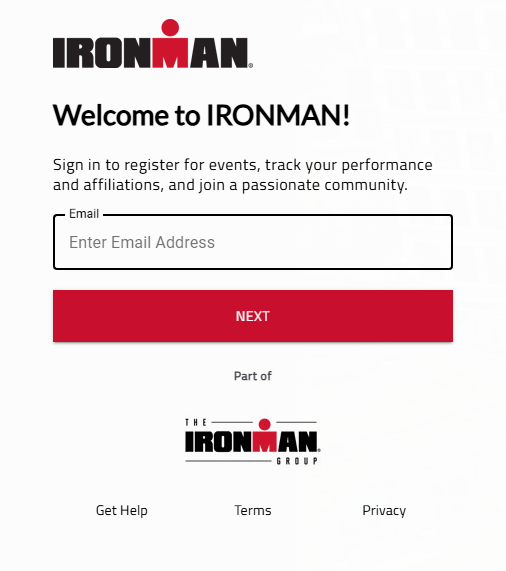
2. Enter your email address.
3. Set a password (must include at least one lowercase letter, one uppercase letter, one number, and one special character).
4. Complete registration.
Note: The Ironman site may load slowly during identity-verification steps; please be patient. For best performance, use a desktop computer.
Register for the race
After creating your account, proceed to enter your details and make a payment.
1. From the race page, go to the 2026 Ironman 70.3 Shanghai Chongming registration portal and select "Individual entry".
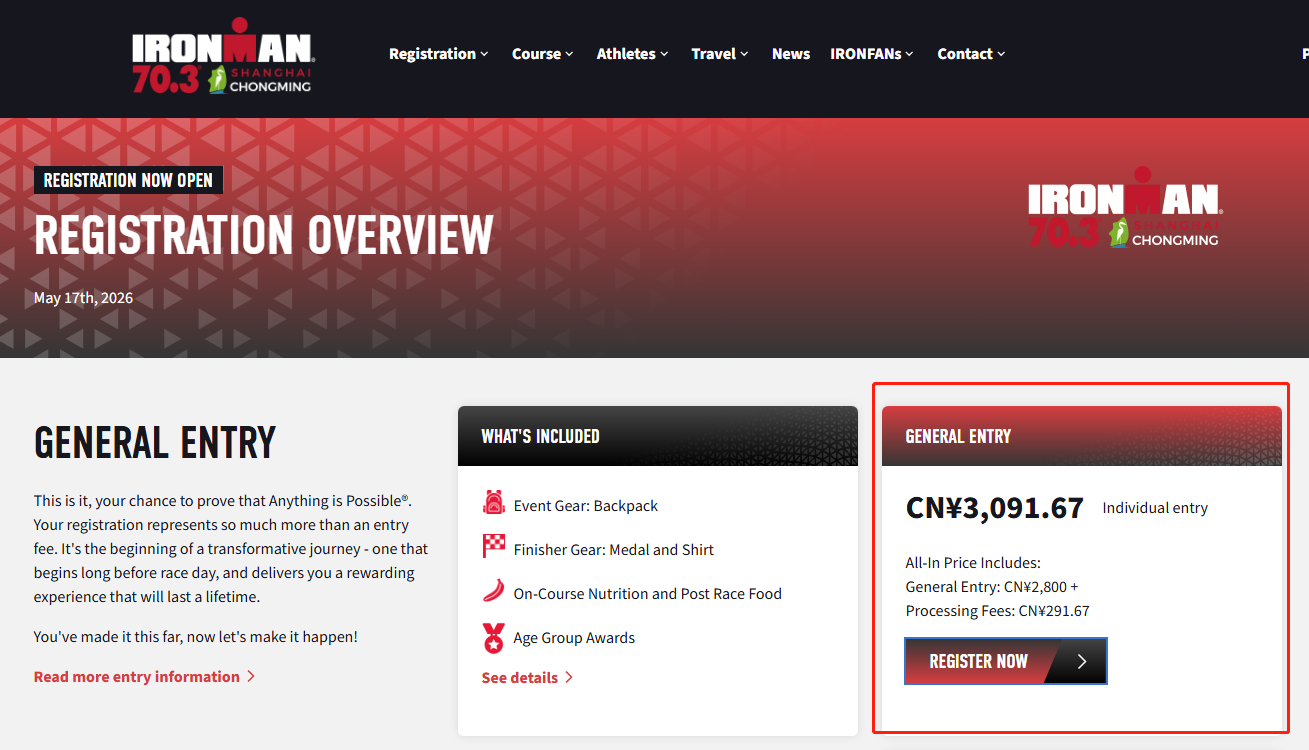
2. Log in with your registered email and password.
3. Complete the registration form
Your order will be held for only 15 minutes, so make sure to complete it promptly.
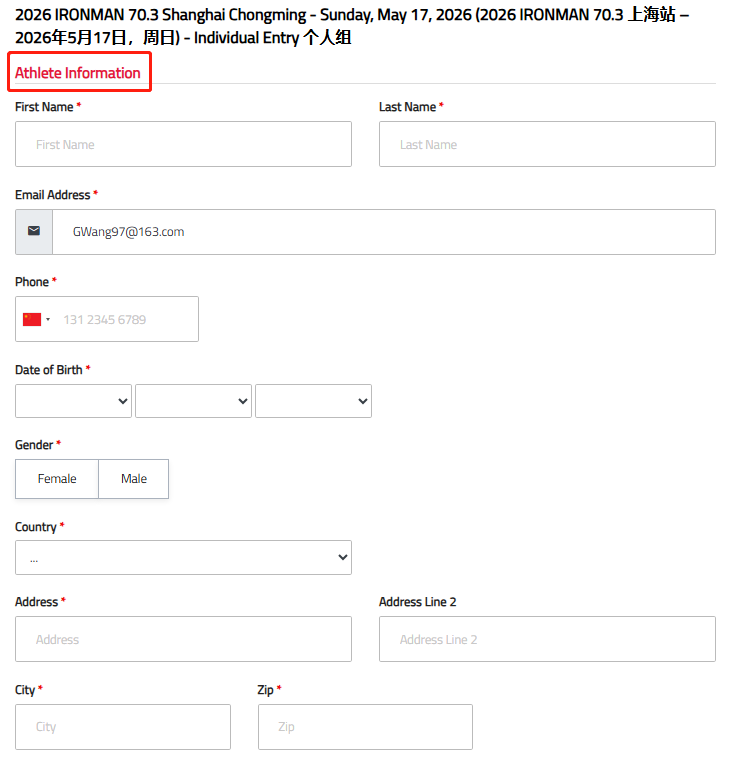
3.1 Fill in Athlete Information (fields marked with a red asterisk are required).
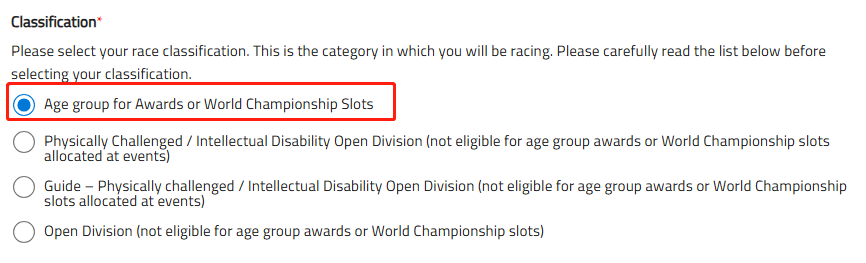
3.2 Answer the Athlete Questions.
Note: Unless you qualify for a special category, please select "Age group for Awards or World Championship Slots".
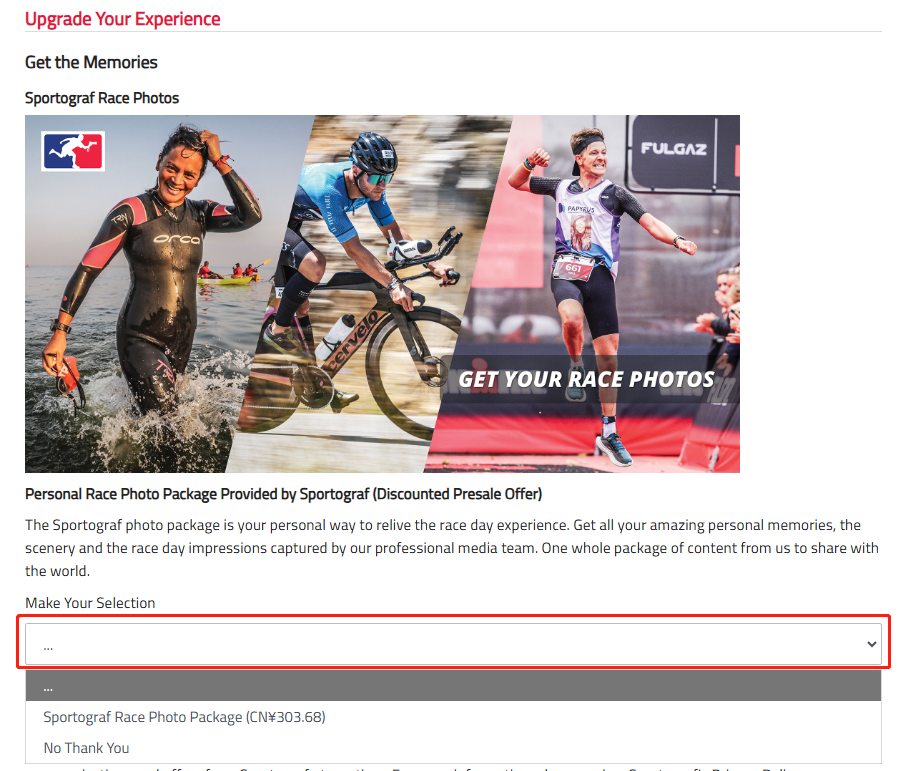
3.3 Optional: Choose whether to add the Sportograf Race Photo Package or other extras.
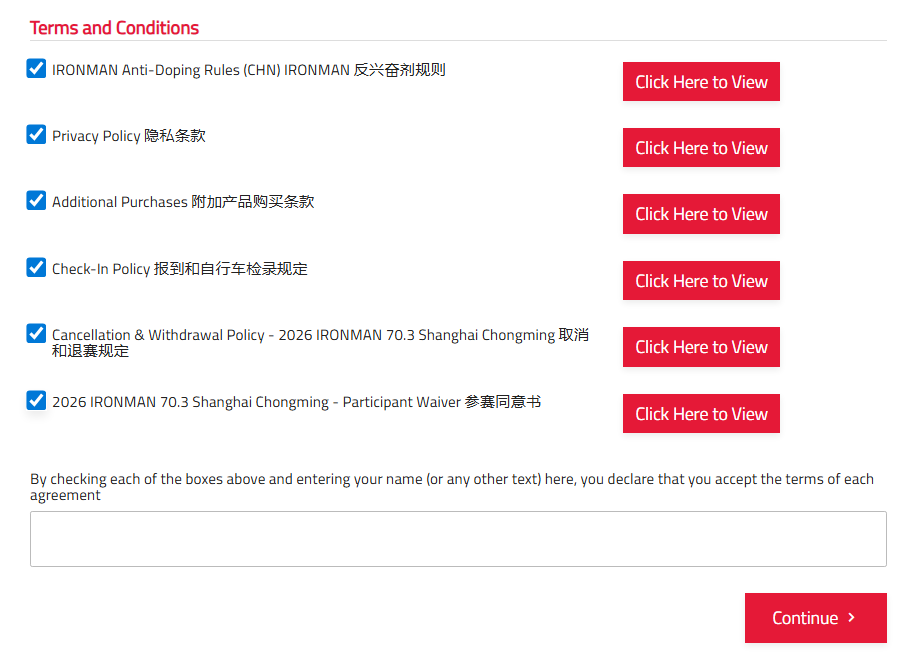
3.4 Read and agree to the waiver and release, then provide your electronic signature.
4. Review your order, confirm details, and complete payment using Alipay or a credit or debit card.
Upon successful registration, a confirmation receipt and QR code will be sent to your registered email. Your race entry will appear in your account within 24 hours.
Sources: WeChat account of Chongming administration of sports at "ydcm2015", official website of Ironman